Generate AI videos with Alibaba's open-weight Wan 2.7 model — text-to-video, image-to-video, video editing, and continuation built in.
Wan 2.7 is live and ready to use. Start generating AI videos directly in your browser.
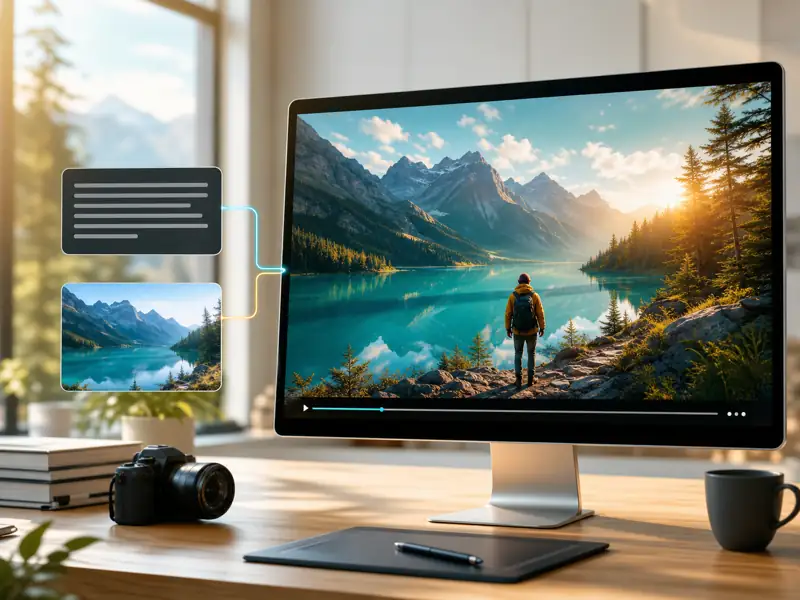
Wan 2.7 is Alibaba's open-source video generation model with support for text-to-video, image-to-video, editing, and continuation. Run it locally, access it via API, or generate directly on AI Seedance — no setup required.
Wan 2.7 is fully open weight. Run it locally with ComfyUI, access it through APIs, or use it on AI Seedance with zero configuration.
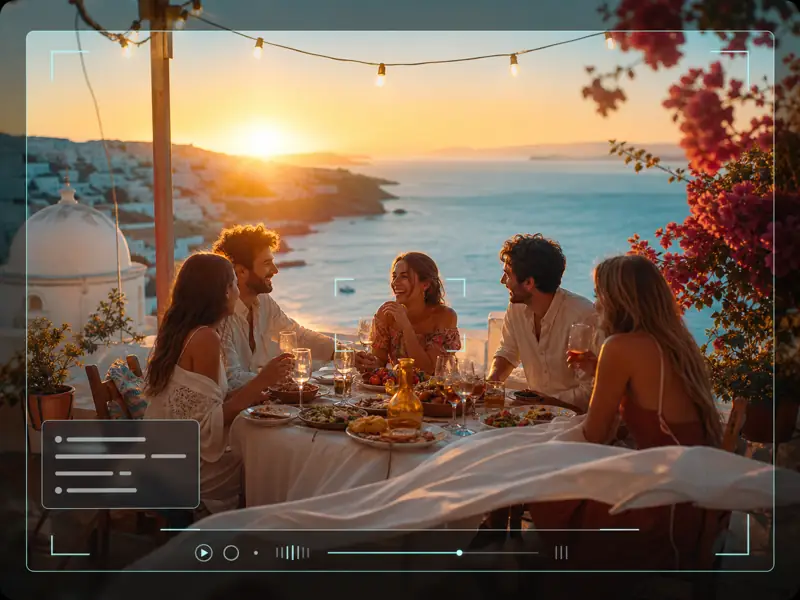
Describe your scene in a prompt and Wan 2.7 generates a video clip with coherent motion, lighting, and camera movement.
Upload a reference image and animate it into video with consistent face identity and natural movement.
Extend existing clips with seamless video continuation or edit specific elements within your generated video.
From prompt to final video — create AI-generated clips with full control over style, motion, and output.
Describe the scene you want to generate, including subject, action, camera movement, and style. Or upload a reference image for image-to-video conversion.
Select text-to-video or image-to-video mode. Configure aspect ratio, duration, and add a negative prompt to exclude unwanted elements.
Click Generate and let Wan 2.7 produce your video clip. The model processes your prompt and references on the server — no local GPU required.
Watch the generated video, adjust your prompt if needed, and download the final result. Use video continuation to extend clips or re-generate with different settings.
A versatile open-source video model with multi-mode generation, editing, and extension capabilities.
Filmmakers, developers, and content creators on their experience generating videos with Wan 2.7.
Wan 2.7 gives me draft shots I can actually use in pre-production. The image-to-video quality surprised me — I uploaded a storyboard frame and got a usable 5-second clip on the second try.

Elena Torres
Independent Filmmaker
We switched to Wan 2.7 for our social video pipeline. Being open source means we can self-host for sensitive client work, but the AI Seedance interface is what we use day-to-day. Output quality rivals closed models.

James Chen
Content Marketing Director
The video continuation feature is a game-changer. I generate a 5-second base clip and extend it to 15 seconds with consistent style. Cuts my iteration time by about half compared to regenerating everything.
Sarah Lindqvist
Motion Graphics Artist
I use Wan 2.7 for B-roll and transition shots in my videos. The text-to-video quality is strong enough for YouTube — my audience can't tell which shots are AI-generated.

Ahmed Khalil
YouTube Creator
Negative prompts in Wan 2.7 actually work. I can exclude watermarks, blur, and distortion reliably, which was a constant problem with other open-source models we tested.

Natalie Park
Brand Video Producer
Tested Wan 2.7 against three other video models last month. It won on prompt adherence for complex scenes — multi-subject shots with specific camera movements came out right more often than not.

Lucas Andrade
AI Art Director
Common questions about using Wan 2.7 for AI video generation.
Create AI videos with Alibaba's open-source Wan 2.7 model — text-to-video, image-to-video, editing, and continuation directly in your browser.