Turn simple text prompts into high-quality AI images, AI photos, product visuals, concept art, and creative projects.
Text prompts · AI image generation · Multiple styles · Fast results
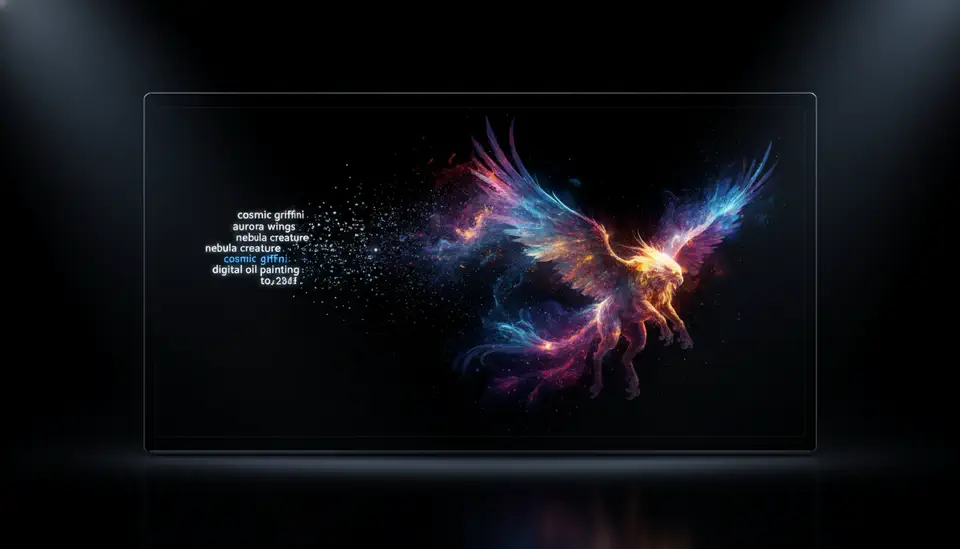
Text to image AI helps you turn written ideas into visual assets. Describe a subject, style, scene, lighting, and mood, then generate images and AI photos you can use for content, campaigns, product concepts, and creative exploration.
Start with a few words or a detailed creative brief. The AI reads your subject, style, lighting, and mood.
Create images and AI pictures from text for campaigns, product concepts, social posts, website graphics, and art ideas.
Adjust your prompt, change the aspect ratio, generate variations, and keep improving the image direction.
Generate visuals from prompts, explore styles, control composition, and create images that fit real content and marketing workflows.
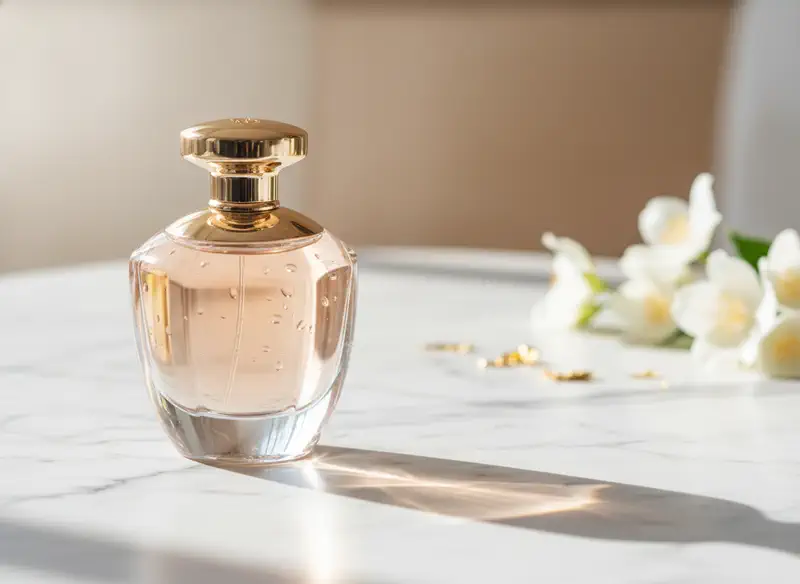
Text to image generation helps creators, marketers, sellers, and teams turn written ideas into usable visuals faster.
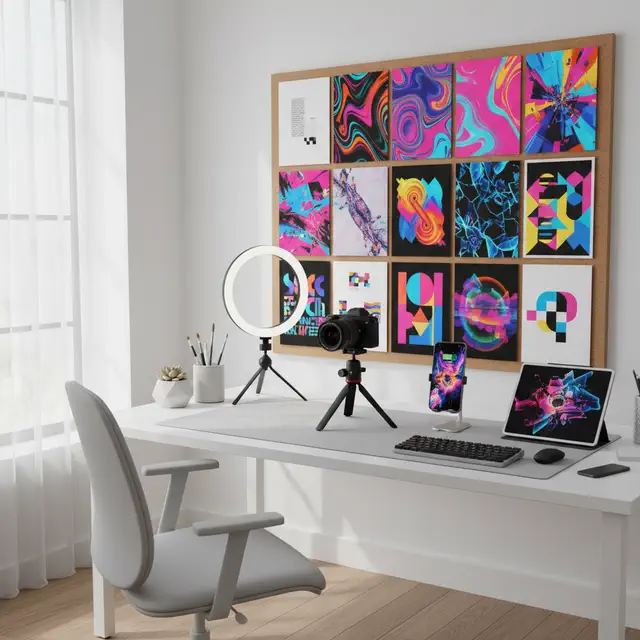
Create thumbnails, social media posts, profile visuals, blog images, and cover art from simple prompts.
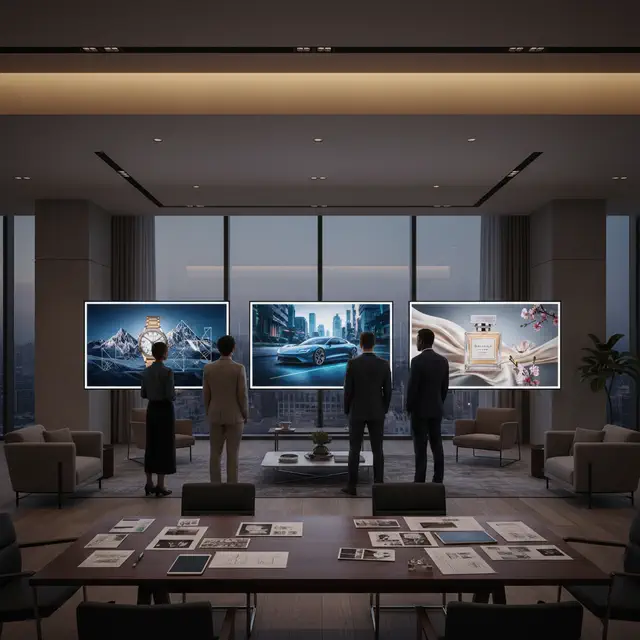
Generate ad concepts, campaign visuals, brand images, and creative variations before design production.
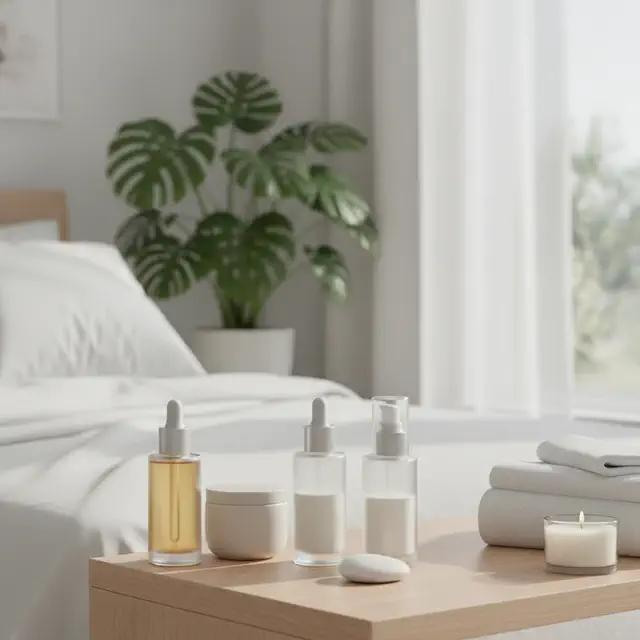
Create product concepts, lifestyle images, promotional images, and listing visuals from text descriptions.
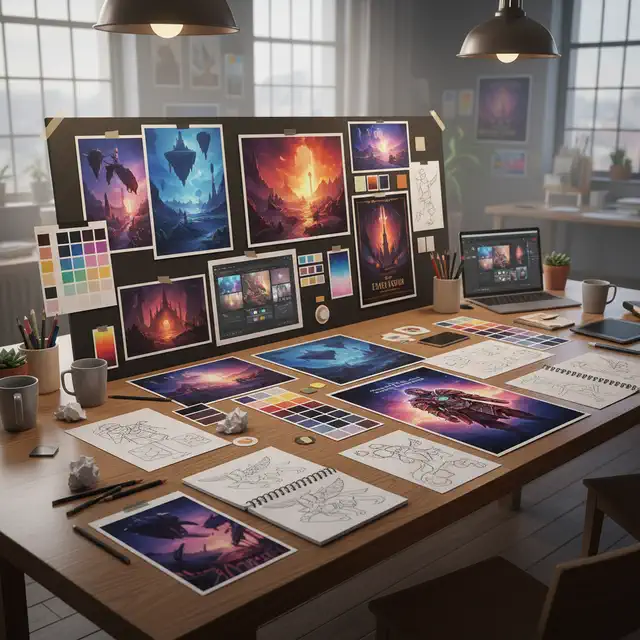
Explore styles, moodboards, concept art, and visual directions before committing to final production.
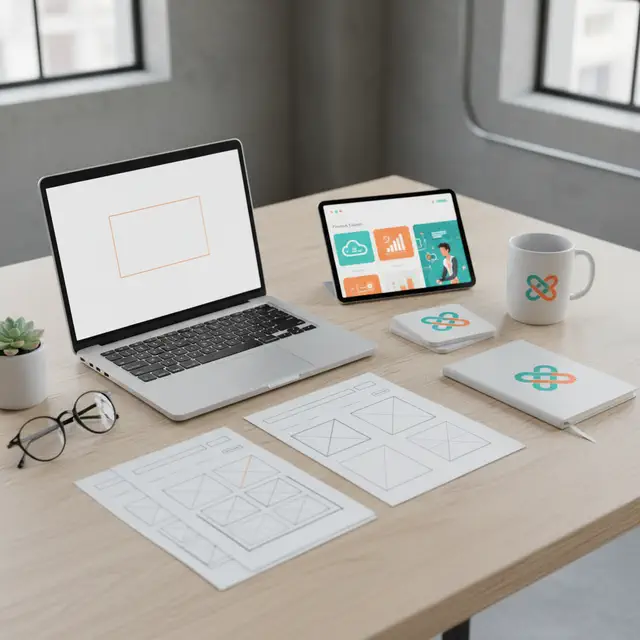
Generate landing page visuals, app mockups, feature images, and hero graphics without searching stock libraries.
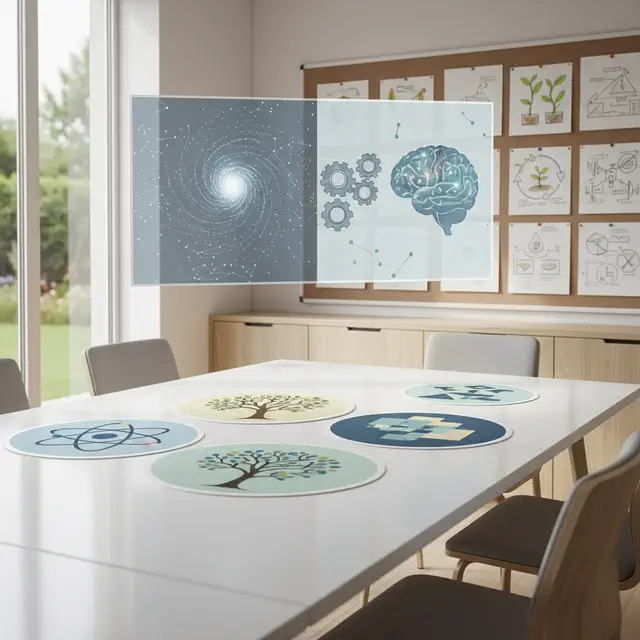
Create custom illustrations, lesson visuals, presentation images, and simple concept explanations from text.
Use one focused workspace to move from prompt to image, then keep refining with related image workflows when you need more control.
Move from idea to image quickly. Type a prompt, choose your settings, and generate visual directions in seconds.
Create assets for real use cases like social posts, marketing visuals, product concepts, thumbnails, and website graphics.
Start with text to image, then switch to image to image or the full AI image generator when you need reference control or broader creative options.
Control the subject, style, composition, lighting, mood, and aspect ratio directly from your prompt.
No design software or advanced prompt skills required. Start with a simple idea and refine from there.
After generating an image from text, continue with image-to-image editing or turn your result into video with related AI tools.
Create an AI image from a text prompt in four simple steps.
Describe what you want to create. Include the subject, setting, style, lighting, and mood for better results.
Select model, aspect ratio, image count, and other options that fit your use case.
Click Generate and let the AI turn your text description into a visual result.
Adjust your prompt, generate variations, and download the image when it matches your idea.
Answers to common questions about turning prompts into AI generated images.
Describe your idea, choose your settings, and generate high-quality AI images and AI photos for content, marketing, products, and creative work.