Upload a photo or reference image, add a prompt, and transform it with an image to image AI workflow that also works as an AI photo editor and image editor for high-quality variations, cleanup, and new visual styles.
Reference image upload · AI photo editor · Image editor · Photo restoration · Remove objects
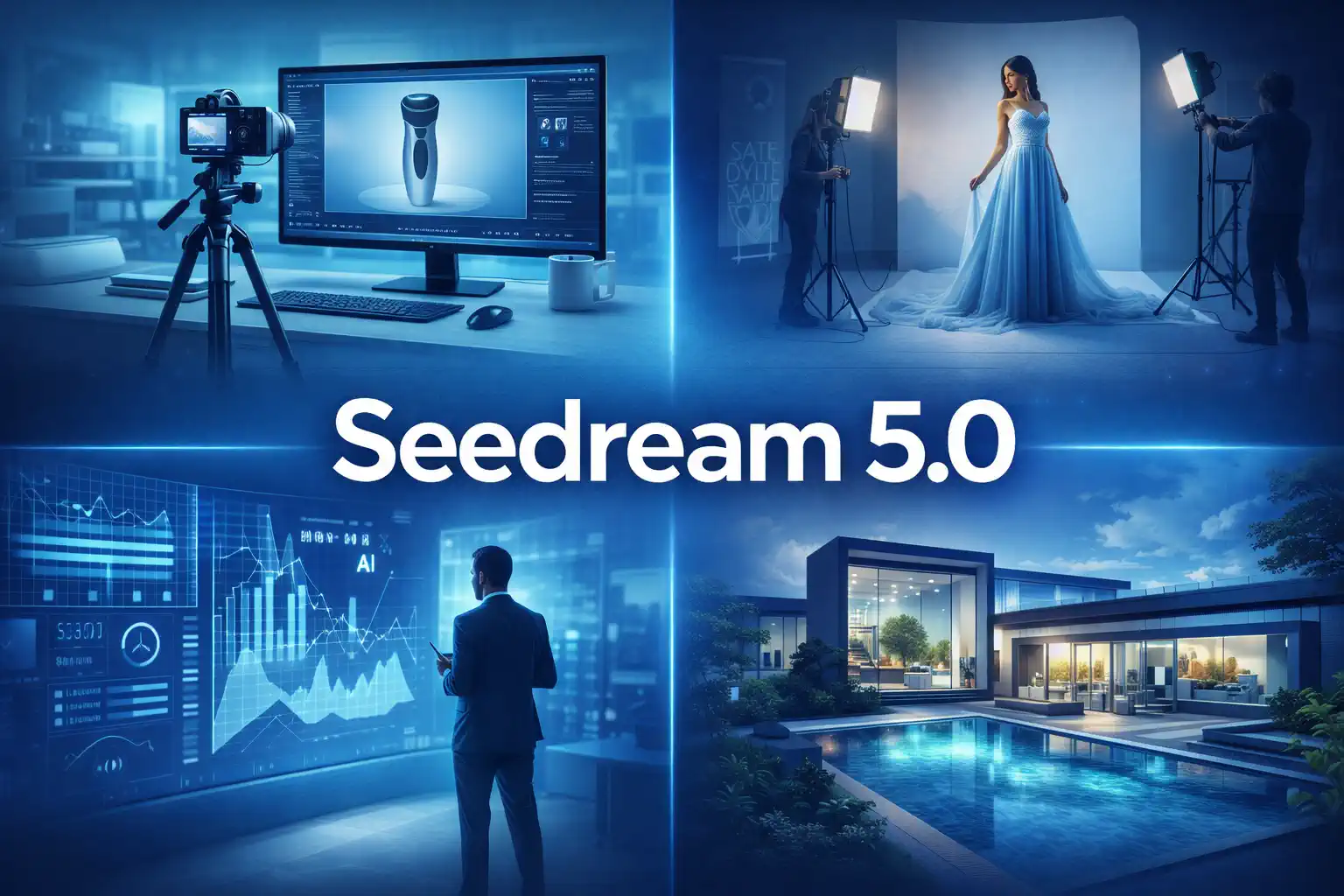
Image to image AI helps you start from a real image instead of a blank prompt. Upload a source image, describe the change you want, and use it like an AI photo editor or image editor for product photos, social content, design concepts, marketing visuals, photo restoration, remove objects tasks, and creative edits while keeping key parts of the original.
Start from a product photo, portrait, illustration, restored old photo, or any visual you want to transform.
Describe the style, mood, cleanup, object removal, restoration, or creative direction to control how the new image should look.
Keep the main subject or structure while exploring multiple visual directions more quickly.
Transform source images with prompt-based edits, style control, and practical AI photo editor workflows for marketing, product, and content teams.
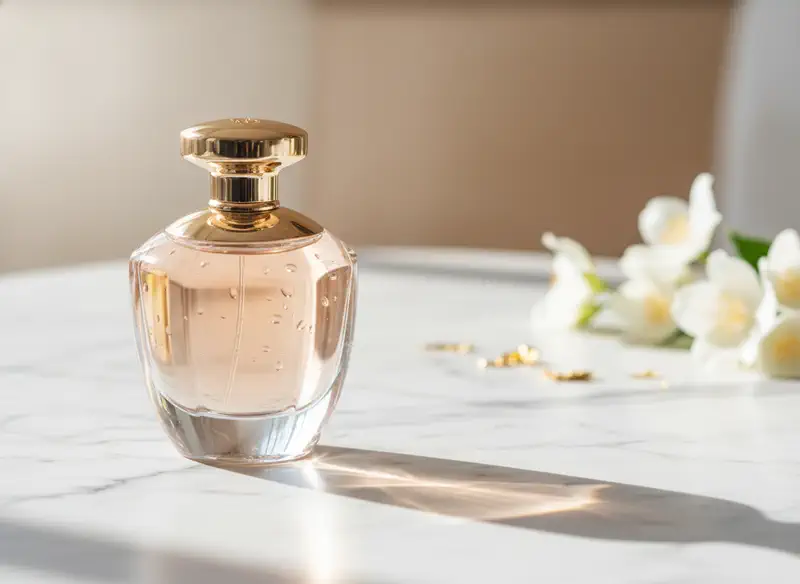
Image to image workflows are best for teams and creators who already have a source image and need faster, more controlled visual changes, cleanup, or restoration.
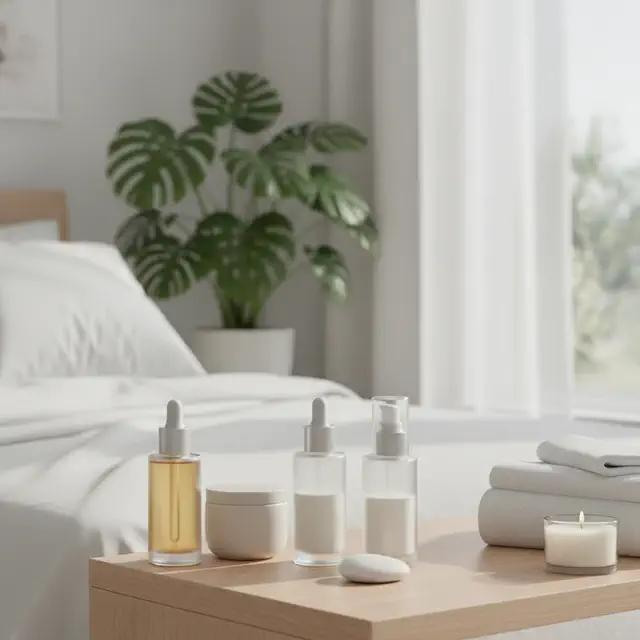
Transform existing product photos into branded product visuals, lifestyle scenes, listing-ready variations, and cleaner edited assets.
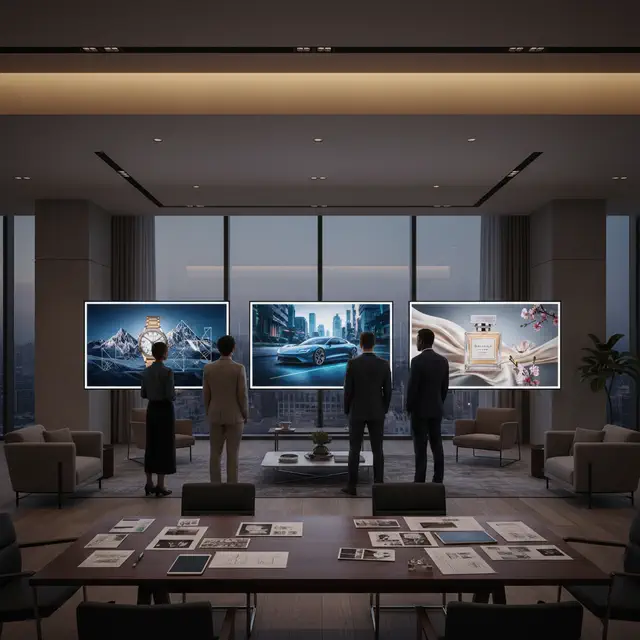
Turn approved visual assets into campaign variations for ads, landing pages, social media, and seasonal promotions.
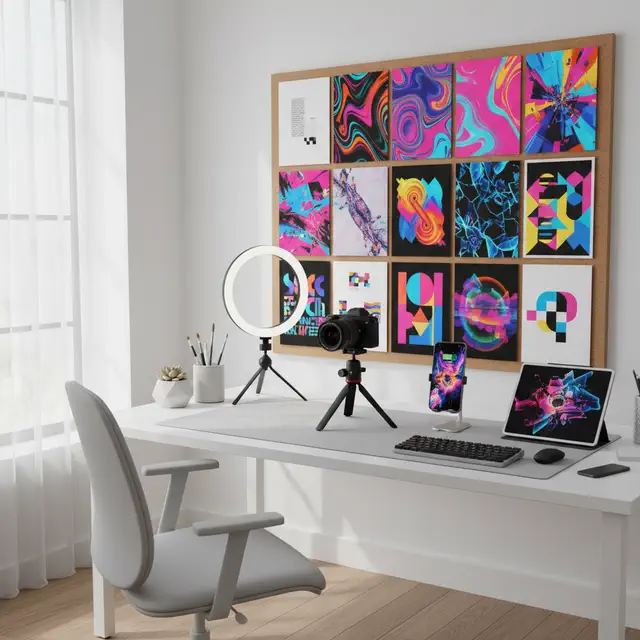
Remix photos, thumbnails, portraits, and cover visuals into new styles without rebuilding everything from scratch.
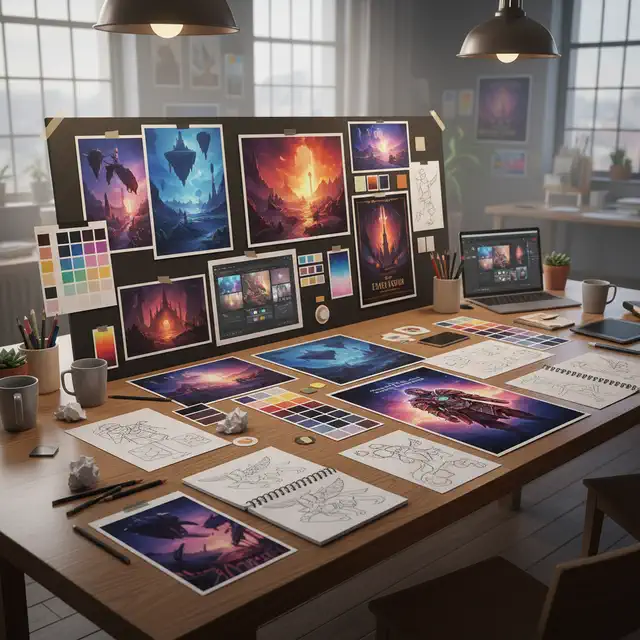
Explore polished variations from a concept sketch, existing mockup, or client-supplied image while preserving direction.
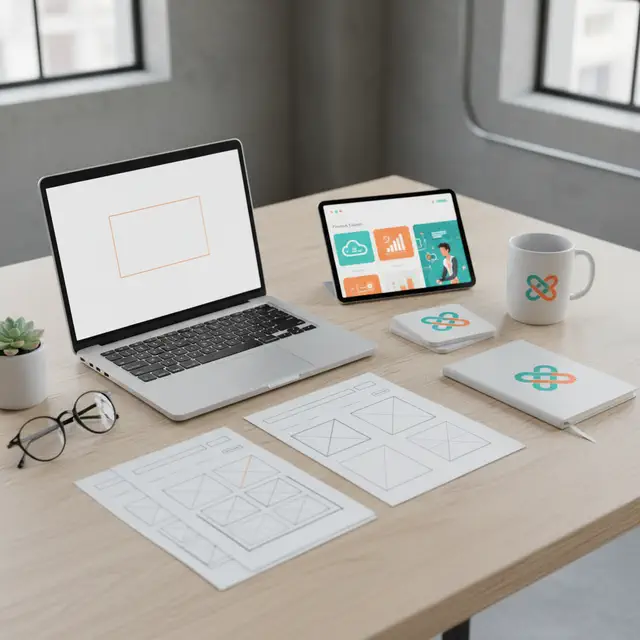
Generate more campaign-ready options from existing assets for faster approvals and lower production friction.
Update diagrams, illustrations, and teaching visuals into cleaner or more engaging formats from a source image.
This workflow is built for people who want more control than text-only generation and faster iteration than manual editing or traditional image editor workflows.
Start from an existing image to keep the subject, framing, or composition closer to what you want.
Generate multiple polished variations from one approved image instead of rebuilding every concept from scratch.
Transform product photos, ad visuals, content images, restored photos, and creative references into campaign-ready outputs.
Control style, mood, color, lighting, and image direction with simple prompt instructions.
Use image to image for product marketing, design exploration, content updates, and branded image variants.
Generate a concept from text first, then move into image to image when you need stronger refinement and reference control.
Transform a source image into a new AI result in four simple steps, whether you need restyling, cleanup, photo restoration, or object removal.
Choose the photo, illustration, product shot, damaged image, or visual you want to transform.
Add a prompt for the style, mood, edit direction, restoration, cleanup, or object removal you want.
Click Generate to create new AI versions based on your image and prompt.
Adjust the prompt, compare results, and download the version that best fits your project.
Answers to common questions about transforming, editing, restoring, and cleaning up images with AI.
Upload your image, describe the direction you want, and generate high-quality AI variations, edits, restored photos, and cleaned-up visuals for content, marketing, products, and creative work.