Upload one image and one reference video, add a prompt, and generate controllable AI videos with AI motion control for character movement, camera guidance, and Kling motion control style workflows.
Reference image + reference video · AI motion control · Kling 3.0 motion control · Kling 2.6 motion control
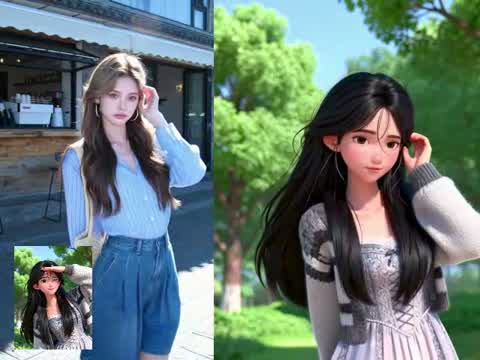
Motion control AI helps you guide how a character or scene moves instead of relying on text alone. Upload a reference image to anchor the subject, add a reference video to define the motion, and generate a new video with more control over body movement, timing, orientation, and camera behavior. This workflow is ideal for creators comparing Kling motion control, Kling 3.0 motion control, Kling 2.6 motion control, and broader AI motion control workflows.
Use one reference image to define the subject, pose starting point, or first frame of the final video.
Add a reference video to transfer movement, pacing, gesture, or camera direction more reliably.
Combine references with a prompt to produce AI videos that feel less random and more directed.
Use motion transfer, prompt guidance, and reference-driven control to generate videos for social content, ads, demos, and stylized storytelling.
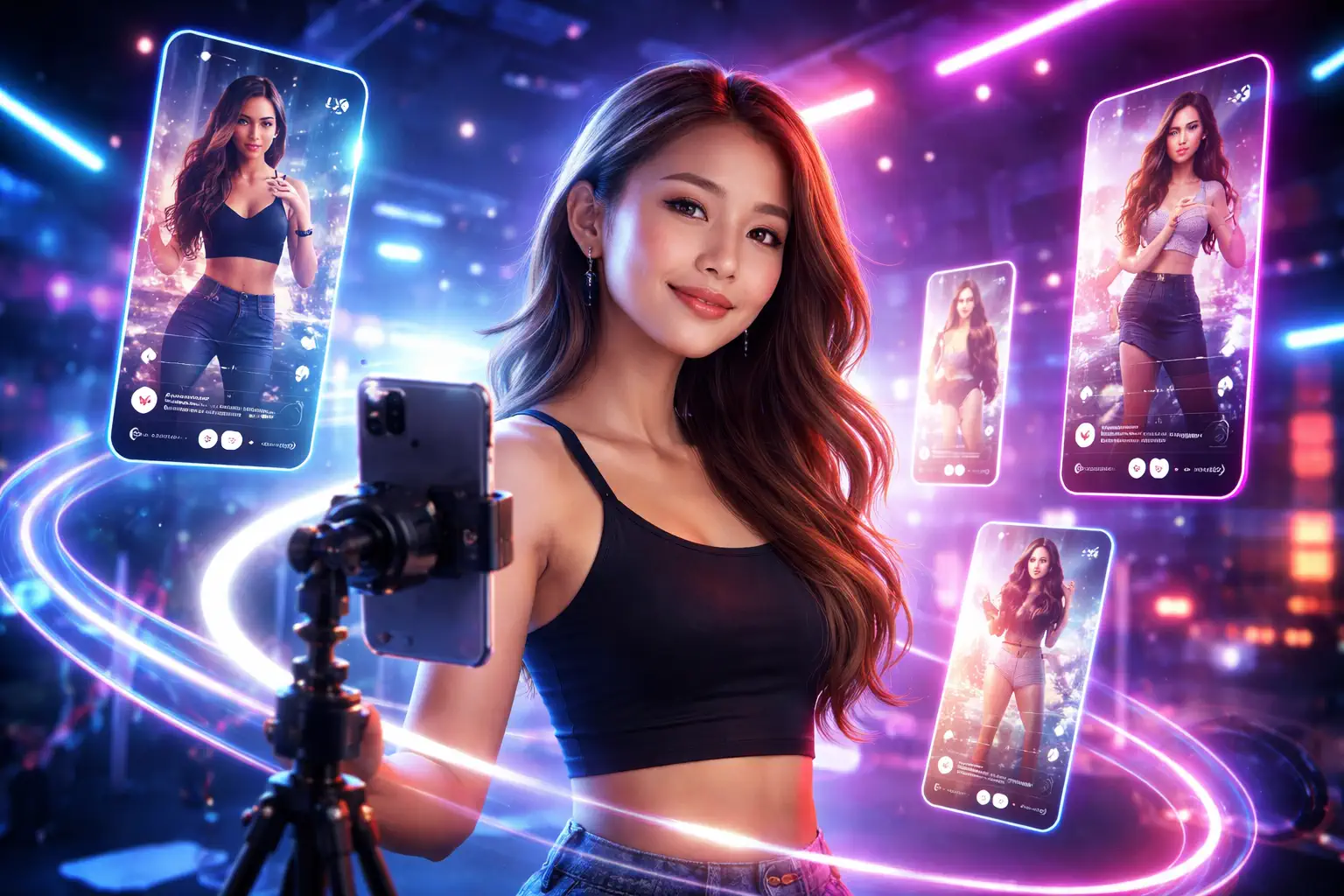
Motion control AI is best for users who need stronger movement control than prompt-only video generation can provide.
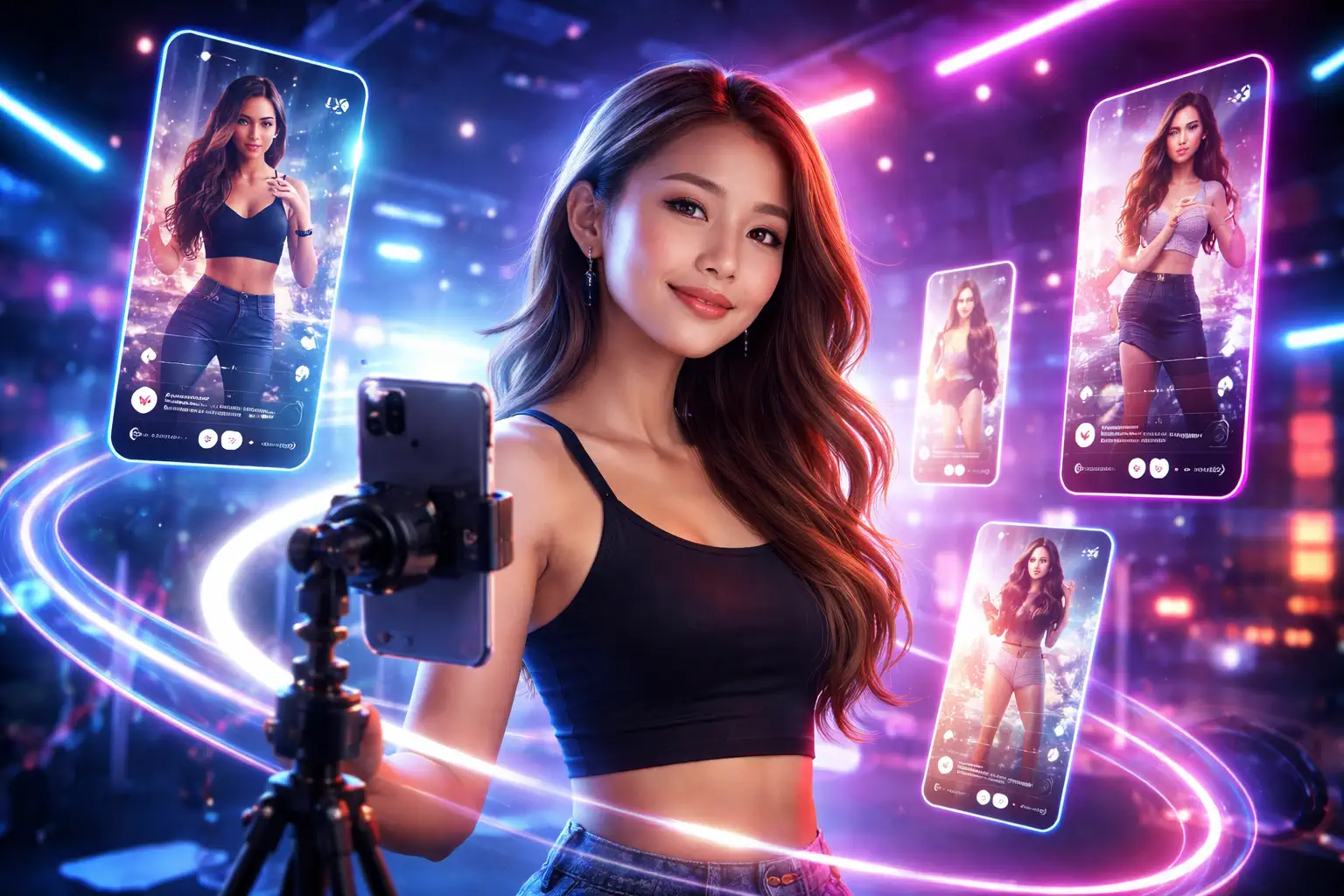
Turn portraits, avatars, and stylized characters into short-form videos with more controlled movement for social platforms.

Build ad creatives, spokesperson clips, and campaign motion assets with more predictable gestures and timing.
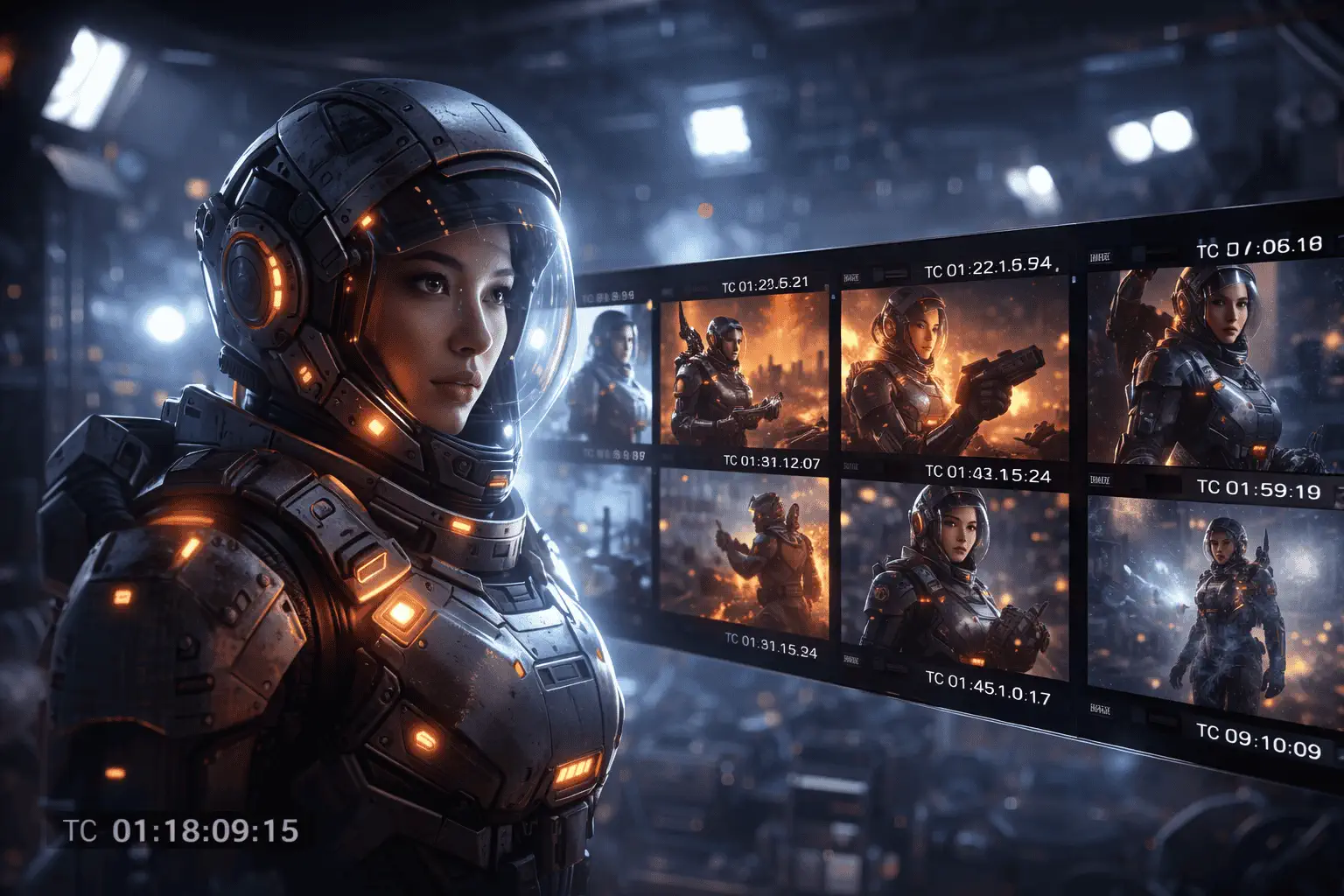
Use reference-driven motion to shape character action, shot behavior, and scene flow in short cinematic sequences.
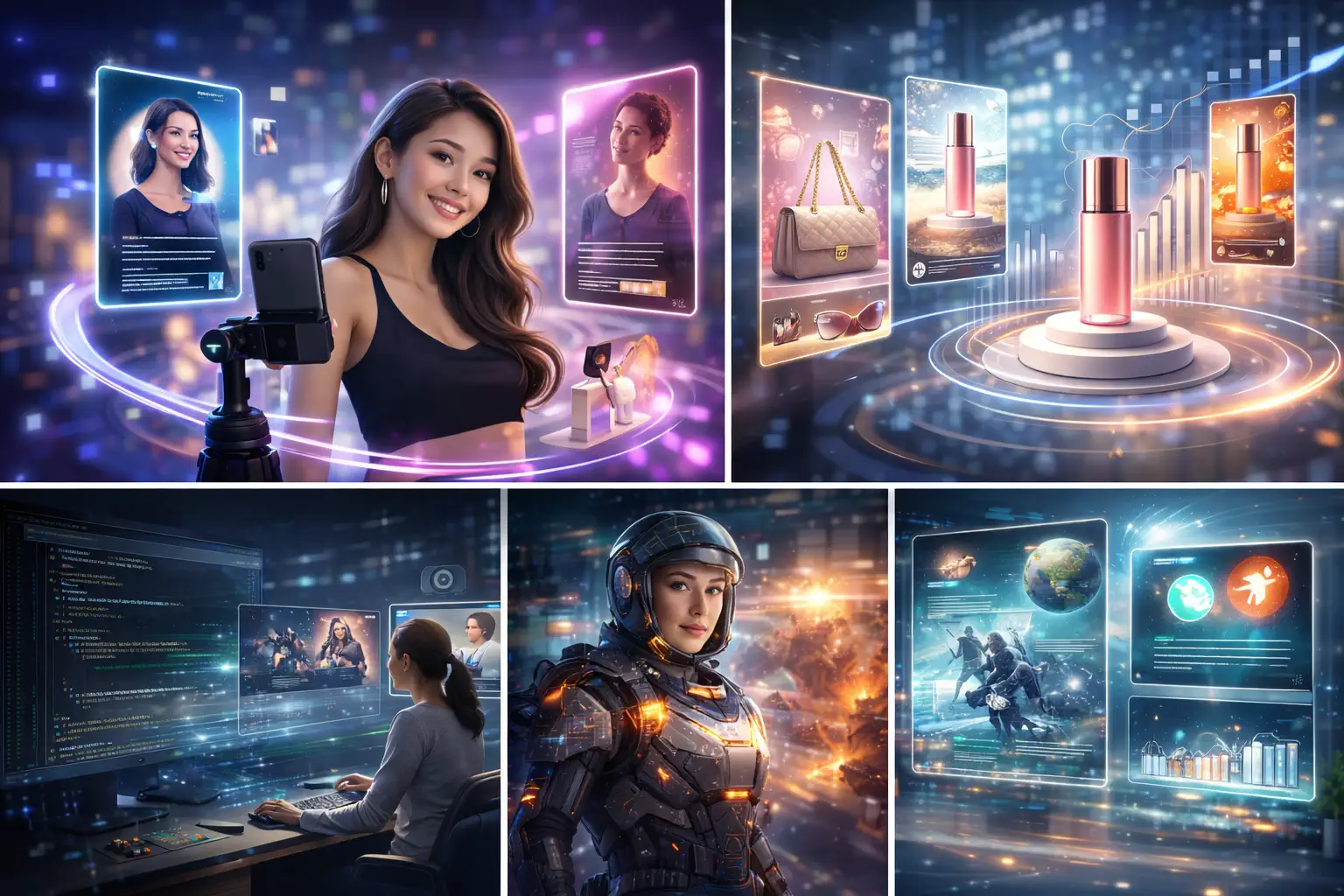
Test multiple video concepts faster when you need repeatable motion direction for clients, products, or campaign variants.
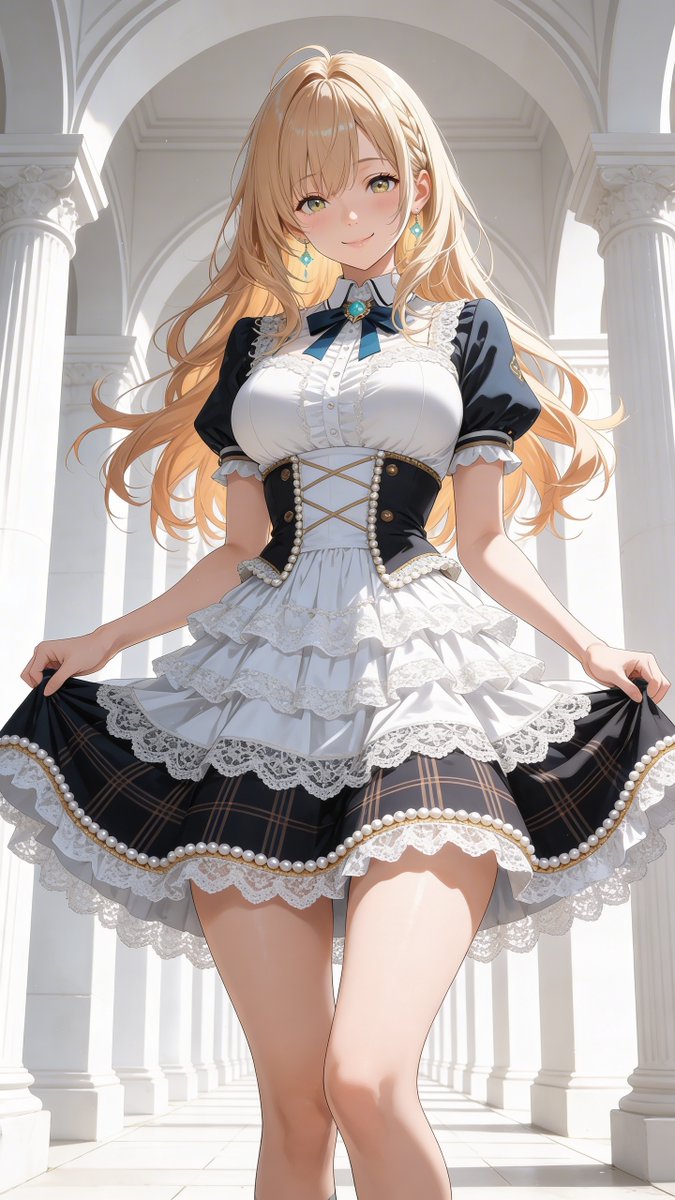
Animate digital characters with more controlled body movement and expression than generic text-to-video workflows.

Create explainer clips, product walk-throughs, and guided visual demos with motion references that are easier to reproduce.
This workflow is built for users who want more directed movement, better consistency, and less randomness in AI motion control video generation.
Use an image and a motion reference video to guide movement instead of relying on text alone.
Generate social clips, ads, talking characters, and stylized scenes with more predictable motion behavior.
Designed around the exact image-plus-video workflow users expect when searching for Kling motion control, Kling 3.0 motion control, or Kling 2.6 motion control tools.
Reference-driven motion cuts down on wasted generations caused by vague prompt-only instructions.
Add style, pacing, environment, and camera instructions on top of the motion reference for richer results.
Choose motion control AI when you need body movement, gesture timing, or camera behavior to follow a clearer pattern.
Create a motion-guided AI video in four simple steps using one image, one reference video, and a prompt.
Choose the portrait, character, product spokesperson, or first-frame image you want to animate.
Add a video that shows the movement, rhythm, gesture, or camera behavior you want to transfer.
Write a prompt that explains the scene, style, quality, and how the motion should appear in the final video.
Run the generation, review the output, and adjust your prompt or references to improve control.
Answers to common questions about motion control AI, AI motion control workflows, Kling motion control, and reference-driven video generation.
Upload one image and one motion reference video, add your prompt, and generate controllable AI videos for creator content, ads, character clips, and storytelling workflows.