Generate high-quality AI images with ByteDance's original Seedream model. Reliable text-to-image generation with multiple aspect ratios and API access.
Seedream 4.0 is live and ready to use. Start generating images directly in your browser.
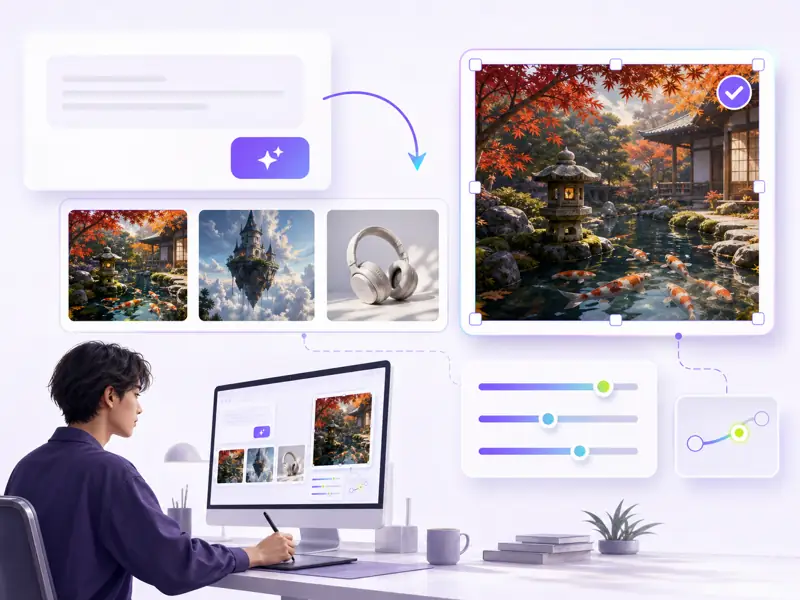
Seedream 4.0 is the model that put ByteDance's Seed team on the map for AI image generation. With proven reliability, a large community on Kaggle, and flexible API access, it remains a dependable choice for creators and developers alike.
Seedream 4.0 delivers consistent, high-quality images across a wide range of styles — from photorealism to stylized art and illustrations.
Generate images in multiple aspect ratios including 4:5 for portraits, 16:9 for landscapes, and square formats for social media.
Integrate Seedream 4.0 into your applications, workflows, and automated pipelines through well-documented API endpoints.
Benefit from extensive Kaggle notebooks, community examples, and shared prompts built around the Seedream 4.0 ecosystem.
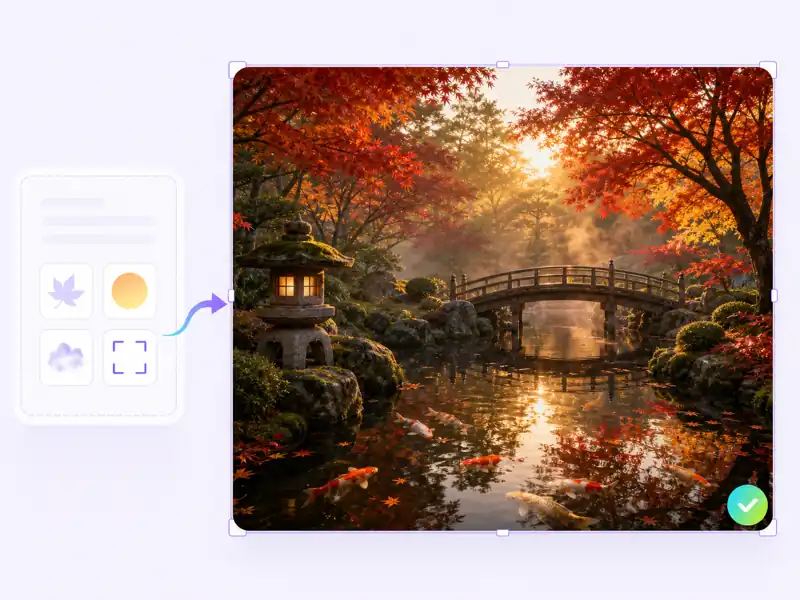
From prompt to finished image — create professional AI visuals with Seedream 4.0 in minutes.
Describe the image you want to create. Include subject, style, lighting, composition, and mood for best results with Seedream 4.0.
Select your preferred aspect ratio, including 4:5 for portraits or 16:9 for landscapes. Adjust quality and style parameters as needed.
Click Generate and let Seedream 4.0 produce your image. The model delivers consistent, high-quality results from detailed prompts.
Review the result, adjust your prompt if needed, regenerate, and download the final image for your project.
The original ByteDance AI image model with proven quality and broad creative range.
Designers, developers, and content creators on their experience with Seedream 4.0 image generation.
Seedream 4.0 handles stylized art prompts better than most models I've tested. I generated 40 character concepts in a single afternoon — the consistency across different poses was impressive.

Elena Voss
Digital Illustrator
Integrated Seedream 4.0 into our product image pipeline using the API. The Kaggle notebooks gave us a running start — we were generating production-quality assets within a day.
Raj Patel
Full Stack Developer
The 4:5 aspect ratio support is exactly what I needed for Instagram content. I create 20+ post visuals per week with Seedream 4.0 and the quality stays consistent across batches.

Sarah Chen
Social Media Manager
For environment and scene generation, Seedream 4.0 is remarkably reliable. It handles complex lighting descriptions well, and the photorealistic output rivals models that launched much later.

Marcus Weber
Concept Artist
We switched to Seedream 4.0 for product mockups and lifestyle images. The prompt adherence is strong — when I describe a specific scene, the output matches my vision without heavy iteration.

Anya Kowalski
E-commerce Designer
Seedream 4.0 became our team's go-to for rapid visual prototyping. We generate mood boards, storyboard frames, and pitch visuals faster than with any manual workflow. It just works.

Tomás Rivera
Creative Director
Common questions about Seedream 4.0 AI image generator and how to get the most from it.
Generate professional AI images with ByteDance's proven text-to-image model — directly in your browser, no setup required.