Generate Kling 4.0 videos of 3 to 30 seconds at 720p or 1080p, with up to 10 shots, 7 elements and stereo sound.
Kling 4 is preselected above. Start with Text to Video, or use Reference to Video to lock a character with elements.
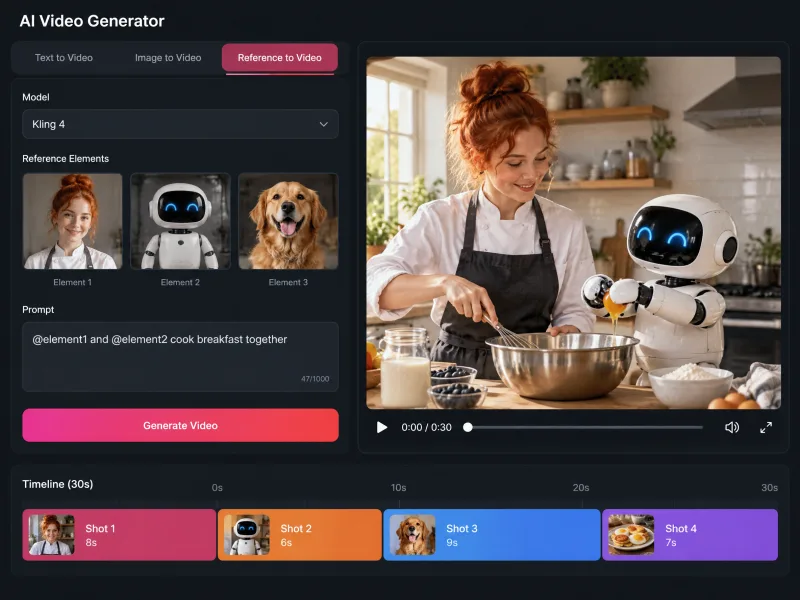
Kling 4.0, also written Kling 4, Kling v4 or Kling AI 4.0, is the fourth-generation video model from Kling AI, the video platform of Kuaishou Technology, opened to all users on October 15, 2026. It runs right on this page with no Kling subscription: pick a mode, prompt or add references, and render.
Set the length by the second, up to 30 seconds per generation, double the Kling 3.0 ceiling.
Start from text, one image, a first and last frame, references or an existing clip in one panel.
Render 16:9, 9:16, 1:1 or 21:9 at 720p for drafts or 1080p for delivery.
Pay with AI Seedance credits. The cost shows before you render, and failed jobs are refunded.
From the first prompt to a downloaded Kling 4 video, all inside your browser.
Kling 4 is preselected in the generator at the top of this page. Pick Text to Video, Image to Video, Frames to Video, Reference to Video or Video to Video.
Describe subject, action, camera move and sound. In Reference to Video, add images, clips or elements and call them as @image1, @video1 or @element1.
Choose 3 to 30 seconds, 720p or 1080p and an aspect ratio. Turn on Multi-shot for up to 10 shots, each with its own prompt and length.
Check the credit cost above the Create button and render. The video arrives with stereo sound, ready to download or refine in Video to Video.
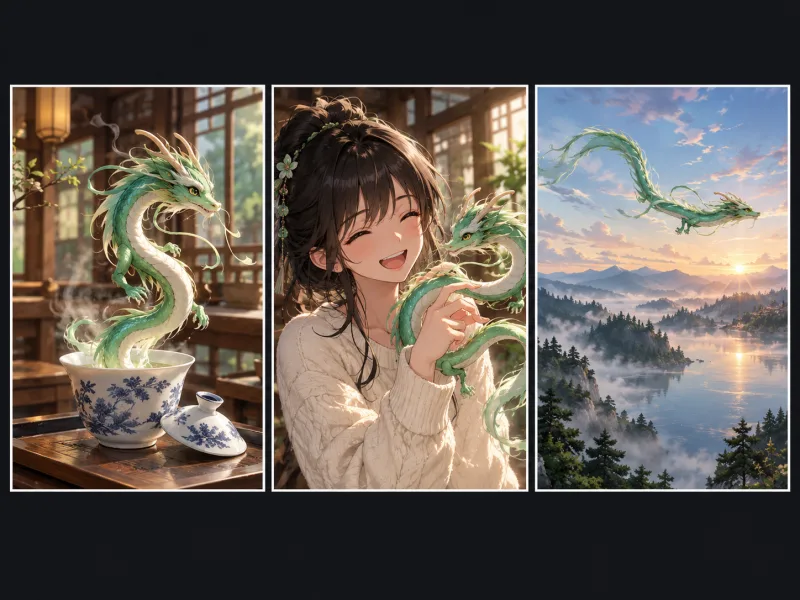
Four Kling 4 capabilities in the generator above, each with a prompt you can copy.
Notes from people using the Kling 4 generator for client and personal work.
I write each beat as its own shot, five or six in a 20-second scene. My lead stays recognizable because she is an element, though some shots still need a reroll.

Emily Carter
Short Drama Editor
I test anime prompts at 720p and switch to 1080p once a prompt works. Fast hands can still smear, but wide 21:9 shots are clean enough for my animatic.
Kenji Mori
Indie Animator
Frames to Video is my main mode: sealed box as the first frame, open product as the last. Seeing the cost before each render makes a week of clips easy to plan.

Nadia Haddad
E-commerce Marketing Manager
I did not want another Kling plan for a few client jobs. Here I run the same prompt through Kling 4 and Seedance 2.5 and keep the better take.

Ethan Brooks
Freelance Video Producer
Binding a 20-second sample of my own voice to the presenter saved a dubbing pass. English lip sync holds up, though I regenerate when a line feels rushed.

Ananya Rao
Explainer Video Creator
We swap backgrounds on approved footage with Video to Video instead of reshooting, and trim source clips first since input seconds count toward billing.

Luca Bianchi
Agency Producer
Straight answers about using Kling 4, including what we do not offer yet.
Pick a mode, describe your shots and render up to 30 seconds of Kling 4 video with stereo sound. The credit cost appears before you generate.