Generate AI videos faster with optimized inference. Kling 3.0 Turbo delivers rapid iteration and quick previews for your video workflows.
Kling 3.0 Turbo is live. Start generating faster AI videos now.
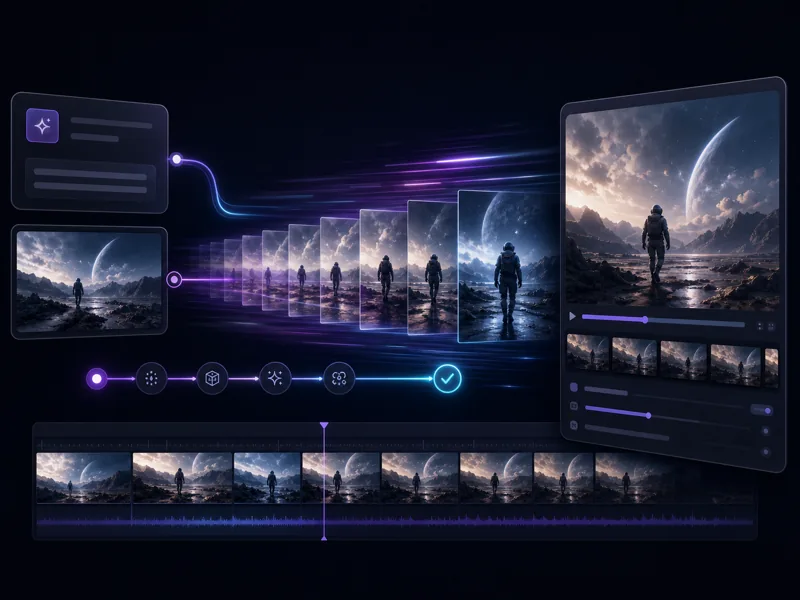
Kling 3.0 Turbo is built for speed. It delivers faster inference and lower latency than standard Kling 3.0, making it the go-to choice for rapid iteration, preview generation, and high-volume video workflows.
Generate video clips in less time with optimized inference. Kling 3.0 Turbo is designed for workflows where speed is a priority.
Reduced wait times between prompt and result, so you can iterate on ideas without long pauses between generations.
Turbo maintains strong visual quality while optimizing for faster output — the right tradeoff for drafts, previews, and rapid testing.
Supports both text-to-video and image-to-video workflows, giving you flexible input options for any generation task.
From prompt to preview in minutes — create AI videos quickly with Kling 3.0 Turbo.
Describe the scene, subject, action, camera movement, and visual style you want. Keep prompts clear and specific for the best results.
For image-to-video generation, upload a starting frame or reference image. The model will animate it based on your prompt.
Click Generate to start the speed-optimized inference. Kling 3.0 Turbo produces results faster than standard models, ideal for testing ideas quickly.
Review the generated video, refine your prompt if needed, and regenerate in seconds. Download the final result when satisfied.
Speed-first AI video generation with flexible input modes and strong visual quality.

Creators and teams on how Kling 3.0 Turbo speeds up their video generation workflows.
Kling 3.0 Turbo cut my generation wait time in half. I can test 10 prompt ideas in the time it used to take for 3. Massive difference for daily content production.

Ryan Torres
Social Media Content Creator
I use Turbo for all my initial drafts now. Quick enough to iterate in real time during client calls, then I switch to standard for the final polish. Perfect workflow.

Anika Petrov
Motion Designer
We generate 20+ ad variants per campaign with Kling 3.0 Turbo. The speed lets us A/B test visual concepts before committing to full renders. Saved our team hours every week.

James Chen
Ad Creative Director
Turbo is our go-to for product animation previews. Upload a product photo, get a video in seconds. The image-to-video quality is impressive for how fast it generates.

Leila Okafor
Product Marketing Manager
I storyboard entire scenes with Kling 3.0 Turbo before shooting. Generating quick video previews of camera angles and compositions saves a full day of location planning.

Marco Russo
Indie Filmmaker
The speed difference between Turbo and standard is noticeable right away. For b-roll and background clips, Turbo quality is more than enough — and I get results while I'm still editing.

Suki Yamamoto
YouTube Content Producer
Common questions about Kling 3.0 Turbo AI video generation.
Generate AI videos faster with speed-optimized inference. Iterate quickly, preview instantly, and bring your video ideas to life in your browser.