Generate AI videos from text prompts and images with Grok Imagine Video 1.5. Smooth motion, cinematic camera control, and clips up to 30 seconds.
Grok Imagine Video 1.5 delivers smoother motion and longer clips — generate your first video now.
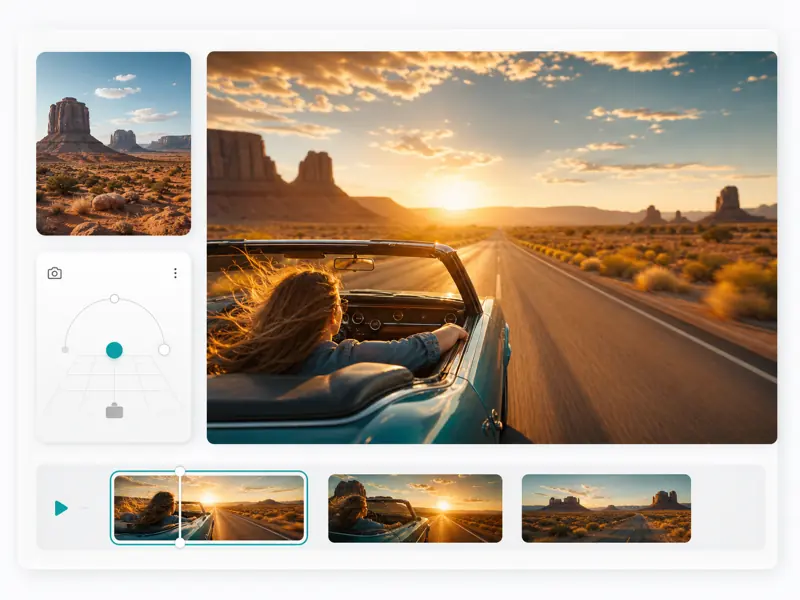
Grok Imagine Video by xAI turns text prompts and still images into high-quality video clips. With version 1.5, you get smoother motion, better prompt understanding, and extended durations for content that looks professional without a production team.
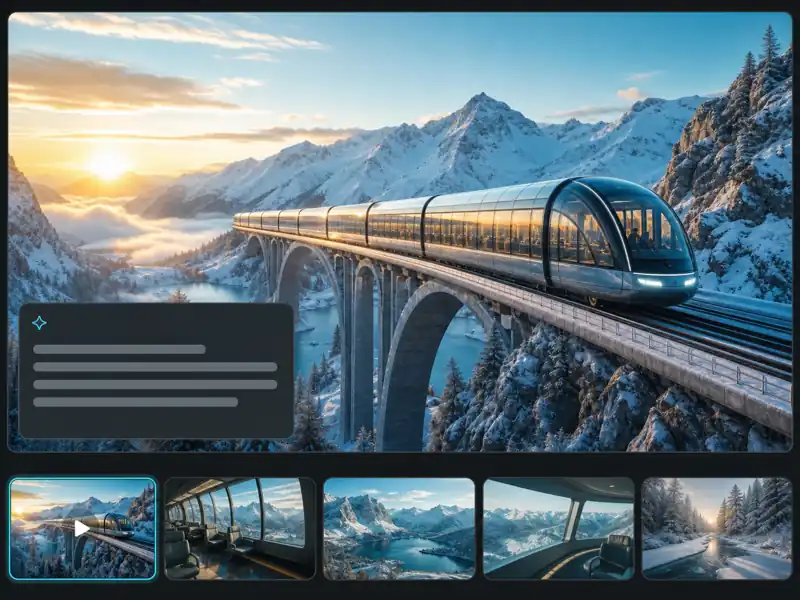
Describe your scene in natural language and get a coherent video clip. Grok Imagine Video understands complex prompts with subjects, actions, and camera directions.
Upload any still image and transform it into a moving video. The model preserves visual details while generating natural, realistic motion.
Specify camera movements like pan, tilt, zoom, and tracking shots directly in your prompt for director-level control over the output.
Generate videos up to 30 seconds with Grok Imagine Video 1.5 — long enough for social content, ads, and narrative sequences.
From prompt to finished video — create professional AI video clips with Grok Imagine Video in minutes.
Enter a detailed text prompt describing your desired scene, including subjects, actions, camera movements, and visual style. Optionally upload a reference image for image-to-video generation.
Choose your preferred aspect ratio, video duration, and output quality. Select the Grok Imagine Video 1.5 model for the best results.
Click Generate and let the model process your inputs. Grok Imagine Video produces a coherent video clip within minutes based on your prompt and settings.
Review the generated video in the preview panel. Adjust your prompt and regenerate if needed, then download the final MP4 file.
Advanced AI video generation with precise prompt control, image animation, and cinematic motion.
Content creators, marketers, and filmmakers on their experience with Grok Imagine Video workflows.
Grok Imagine Video cut our social content turnaround from days to hours. I write a prompt, adjust the camera direction, and get a polished clip ready for Instagram or TikTok in under 5 minutes.
Elena Vasquez
Social Media Director
The image-to-video feature is what sold me. I uploaded concept art for a short film and got animated previsualization clips that helped me pitch the project. Saved weeks of storyboard work.

James Whitfield
Indie Filmmaker
I specify camera movements like tracking shots and crane moves in the prompt, and Grok Imagine Video actually executes them. Tested 4 other generators and none handled complex camera instructions this well.

Aiko Tanaka
Motion Graphics Designer
We produce 20+ ad variants per campaign now using Grok Imagine Video. The consistency between clips is impressive — same visual style, same brand feel, just different scenes and messaging.

Omar Benali
Digital Marketing Manager
Grok Imagine Video 1.5 handles complex multi-subject scenes that previous versions struggled with. I generated a 25-second clip with two characters interacting and the motion stayed coherent throughout.

Rachel Kim
YouTube Content Creator
Speed and quality in one tool. I use Grok Imagine Video for pitch decks, client presentations, and prototype ads. Generating video concepts in minutes instead of commissioning them has changed how we work.

Lucas Fernandez
Brand Strategist
Common questions about Grok Imagine Video AI video generator you might want to know.
Generate AI videos from text and images with cinematic camera control and smooth motion — directly in your browser.