Generate high-quality AI videos with Wan 2.6. Text-to-video, image-to-video, and open-source flexibility — all in your browser.
Wan 2.6 is fully available. Start creating AI videos with text or image prompts today.
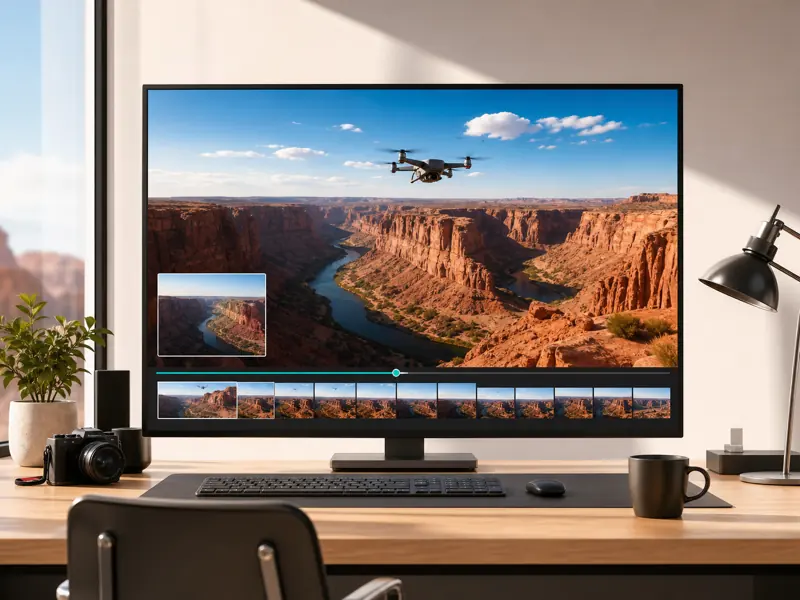
Wan 2.6 is Alibaba's open-source AI video model with strong motion quality, flexible deployment, and a thriving community ecosystem. Generate videos from text prompts or animate images with natural motion — locally or in the cloud.
Built on Apache 2.0, Wan 2.6 gives you full access to model weights, community LoRAs, and custom workflows with no vendor lock-in.
Describe your scene in natural language and Wan 2.6 generates a coherent video clip with realistic motion and camera movement.
Upload a static image and animate it into a video clip. The model preserves composition and subject identity while adding natural motion.
Temporally consistent output with smooth camera movement, physically plausible motion, and stable subject appearance across frames.
From prompt to finished video — create AI-generated video content with Wan 2.6 in minutes.
Write a detailed text prompt describing your scene, or upload a reference image for image-to-video generation. Include details about action, camera movement, lighting, and style.
Choose your aspect ratio, resolution, and generation mode. Select text-to-video or image-to-video based on your input.
Click Generate and let Wan 2.6 produce a coherent video clip with natural motion and temporal consistency.
Review the generated video, make adjustments to your prompt if needed, and download the final result in your preferred format.
Versatile open-source AI video generation with text-to-video, image-to-video, and community-driven extensibility.

Filmmakers, developers, and AI creators on their experience with Wan 2.6 video generation.
Wan 2.6 gives me the flexibility I need. I generated a scene from a single text prompt and the motion quality was surprisingly natural. The open-source model means I can fine-tune it for my specific visual style.

Alex Chen
Indie Filmmaker
We use Wan 2.6 to create draft video concepts for client presentations. Image-to-video turns our mood boards into animated previews in minutes — saves us hours of manual mockup work.

Rachel Nguyen
Content Strategist
The motion fidelity in Wan 2.6 is what sets it apart from other open-source models. Camera movements feel intentional, and subject consistency across frames is solid for a model you can run locally.

Tom Werner
Motion Designer
I produce 10+ short-form videos per week with Wan 2.6. The text-to-video pipeline is fast enough for daily content, and the aspect ratio flexibility means I can target Reels, TikTok, and YouTube Shorts from one prompt.

Lucia Rossi
Social Media Manager
Tried five different open-source video models this year. Wan 2.6 is the one I keep coming back to — best balance of quality, speed, and community support. The ComfyUI workflows are solid.

David Park
AI Video Creator
What I appreciate about Wan 2.6 is the control. I can run it online for quick tests or locally for batch production. The open-source license means no vendor lock-in, which matters for our agency.

Emma Larsson
Creative Director
Common questions about using Wan 2.6 AI for video generation.
Generate AI videos with Alibaba's open-source Wan 2.6 model — text-to-video, image-to-video, and full creative control directly in your browser.