Generate and edit AI images with Nano Banana. From text-to-image to inpainting and style control — all in your browser.
Use Nano Banana to generate, edit, and refine AI images directly in your browser.
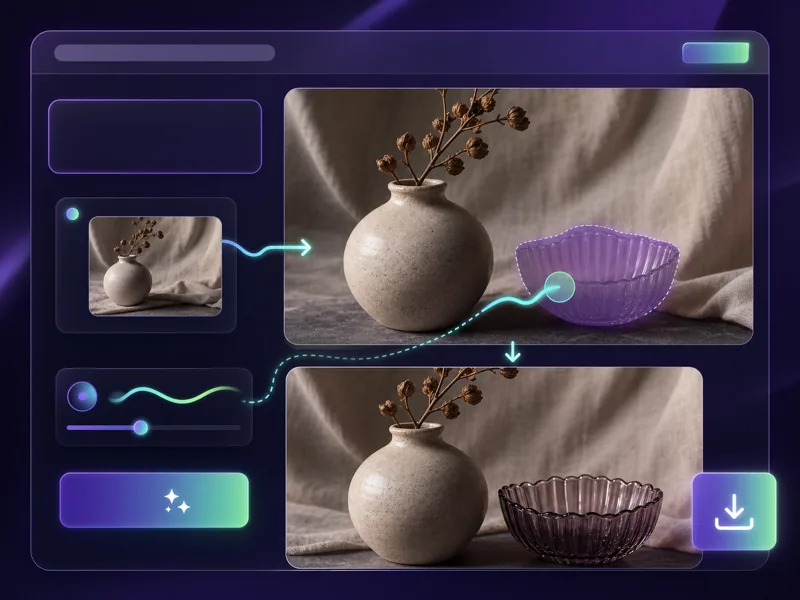
Nano Banana brings Google's powerful image generation to your creative workflow. Write a prompt, generate high-quality images, and refine them with editing tools — all without leaving your browser.
Generate detailed, visually rich images from text prompts with Nano Banana's advanced AI model.
Edit existing images by describing changes in natural language — remove objects, swap backgrounds, or adjust styles.
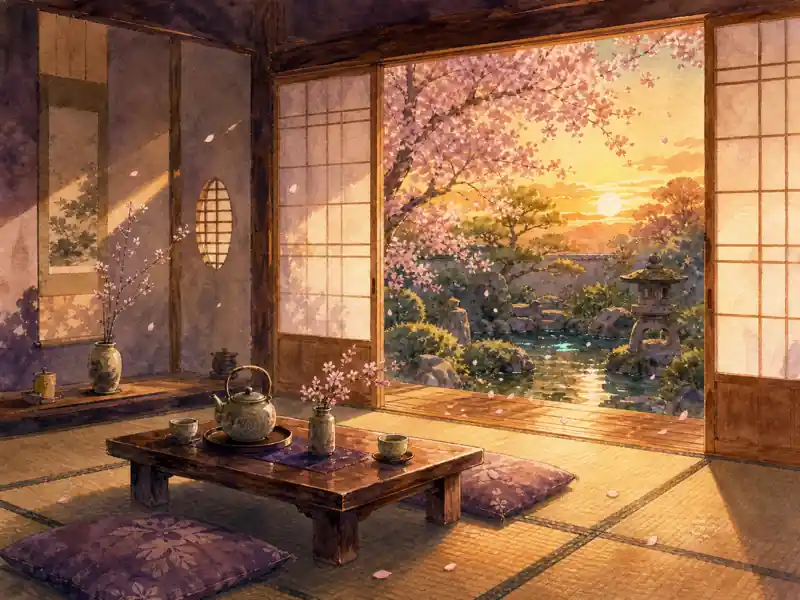
Create photorealistic images, illustrations, concept art, product mockups, and more with a single model.
No software to install. Generate, edit, and download AI images directly from your browser in seconds.
From text prompt to finished image — create professional AI visuals with full creative control.
Describe the image you want to generate. Include the subject, style, lighting, composition, and mood. The more specific your Nano Banana prompt, the better the result.
Choose your preferred resolution, aspect ratio, and style preset. Upload a reference image if you want to use inpainting or image-to-image editing.
Click Generate and Nano Banana produces your image in seconds. Review the output and adjust your prompt if needed for better results.
Refine the result with built-in editing tools — inpaint specific areas, adjust styles, or regenerate variations. Download the final image when satisfied.
Advanced AI image generation with precise prompt control and built-in editing tools.
Designers, marketers, and AI creators on their experience with Nano Banana image generation.
Nano Banana handles my product mockup workflow end to end. I describe the scene, get a clean render, then inpaint adjustments without starting over. Cut my concept iteration time by about 60%.
Elena Vasquez
Brand Designer
We use Nano Banana AI for all our social graphics now. The prompt control is precise enough to maintain brand consistency across 30+ posts per week without a dedicated designer on every asset.

James Whitfield
Social Media Manager
The style range is what sold me. I generate photorealistic references, anime character sheets, and oil painting studies all from the same Nano Banana model. No tool switching needed.

Yuki Tanaka
Concept Artist
I replaced half my product shoot setup with NanoBanana. Upload a reference photo, describe the scene I want, and get a studio-quality render in under a minute. The inpainting is genuinely useful for background swaps.

Amir Hassan
E-Commerce Photographer
Nano Banana generates placeholder illustrations for my app mockups that are good enough for client presentations. Saves me from digging through stock libraries or waiting for custom assets.

Rachel Kim
UI/UX Designer
I tested six AI image generators last month. Nano Banana gave the most consistent results on complex prompts with multiple subjects and specific lighting. The detail accuracy is noticeably better.

Marco Bianchi
Freelance Illustrator
Common questions about Nano Banana AI image generator you might want to know.
Generate and edit AI images with Nano Banana — from text-to-image to inpainting and style control, directly in your browser.