Upload a reference image, describe the change you want, and generate a new visual with stronger style control, cleaner composition, and production-ready detail.
Reference-Guided Editing · Style Transfer · Relighting · Composition Control
See how a single reference can be pushed into a new style, mood, or visual treatment while keeping the core subject intact.
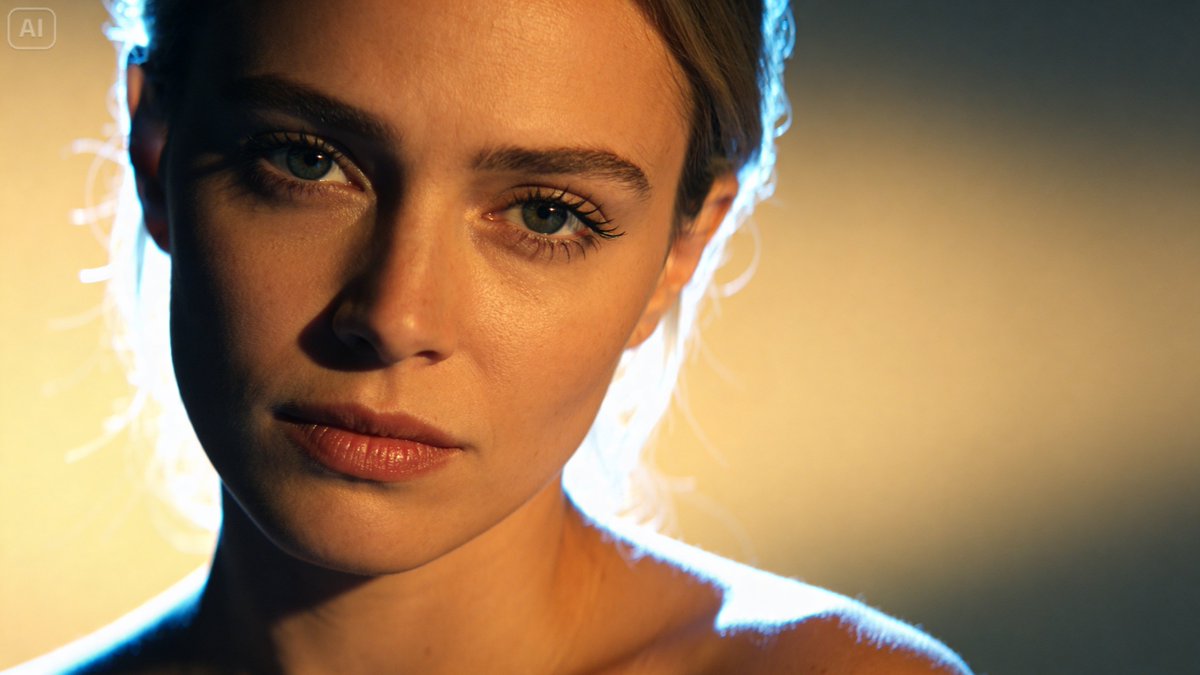
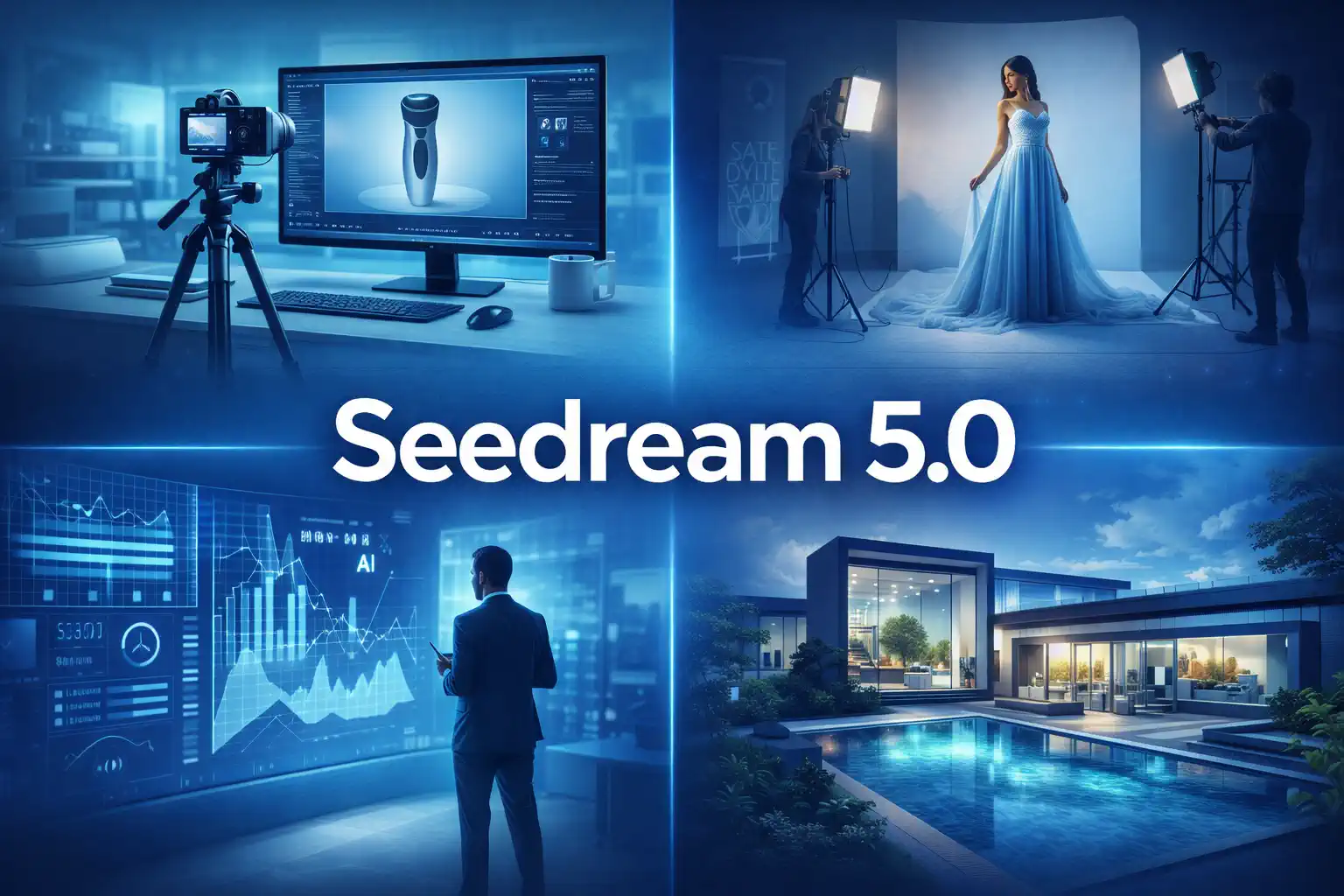
Image-to-image generation starts with a real visual reference instead of a blank canvas. Seedream uses your uploaded image to preserve structure, subject cues, and composition, then transforms it based on your prompt — whether you need a new style, relit scene, redesigned asset, or more polished final output.
Retain subject identity, pose, layout, or scene intent while changing the look.
Describe style, lighting, texture, materials, or mood in natural language.
Produce a cleaner or more stylized image without rebuilding from scratch.
A simple workflow for controlled visual transformation.
Start with a portrait, product shot, illustration, poster, or concept image you want to improve or transform.
Tell Seedream what should change: art style, mood, materials, lighting, composition, or finish quality.
Select the model version and output options that match the level of detail and control you need.
Review the result, adjust the prompt, and iterate until the transformation feels right.

Teams and creators use image-to-image when they need more control than text-only generation but much faster iteration than manual editing.
Explore visual directions from one approved concept without remaking every draft from zero.
Turn a single product or campaign asset into multiple launch-ready variations for different audiences.
Restyle portraits, thumbnails, and cover art while keeping the core identity recognizable.
Generate polished visual assets for apps, landing pages, and content systems with faster iteration loops.
Seedream gives you controlled transformation instead of random drift, so edits stay usable for real creative work.
Preserve structure, subject cues, and scene logic more reliably across transformations.
Translate editing intent into visible change with less prompt wrestling and fewer failed generations.
Generate sharper, cleaner outputs that can move directly into design, ads, or content publishing workflows.
Test multiple directions quickly when you need several viable versions from the same source image.
Handle subtle enhancement, full restyle, poster redesign, or character polish within the same workflow.
Switch between text-to-image, image-to-image, and other generation modes without leaving the workspace.
Common questions about reference-guided image generation.
Upload a reference, describe the edit, and generate your next version in seconds.